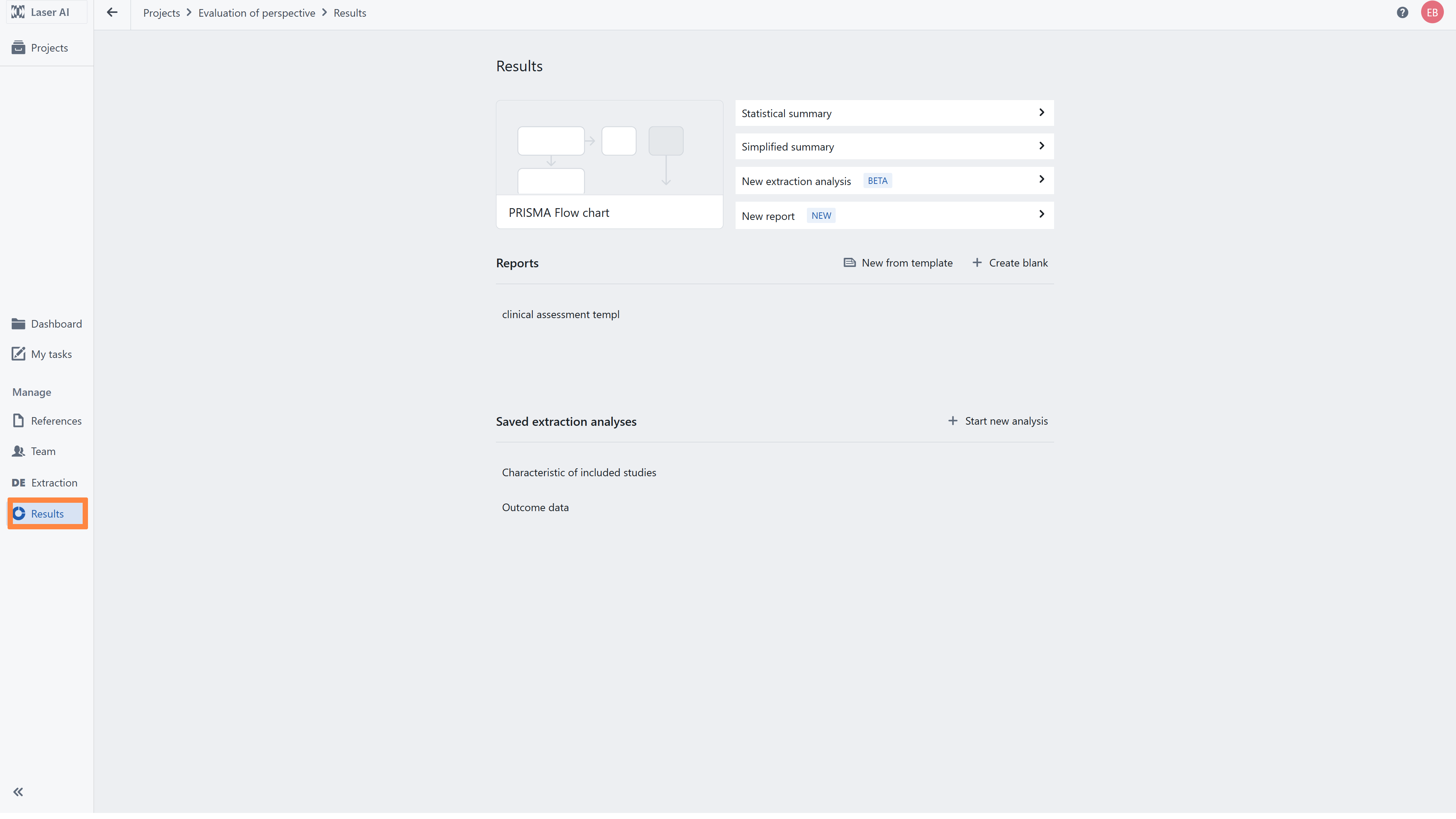
The Results tab provides access to the outputs generated during the review process. Here you can:
- view and export extracted data using the Extraction Summary (available in statistical and simplified formats),
- prepare report using the dedicated Report panel,
- generate, view and export the PRISMA diagram.
The tab also includes advanced customization options (new extraction analysis) that allow you to prepare and export extracted data outside the tool.
Related articles
3.Flexible Extraction Analysis
4.Creating Reports and Exporting Data
Was this article helpful?
That’s Great!
Thank you for your feedback
Sorry! We couldn't be helpful
Thank you for your feedback
Feedback sent
We appreciate your effort and will try to fix the article